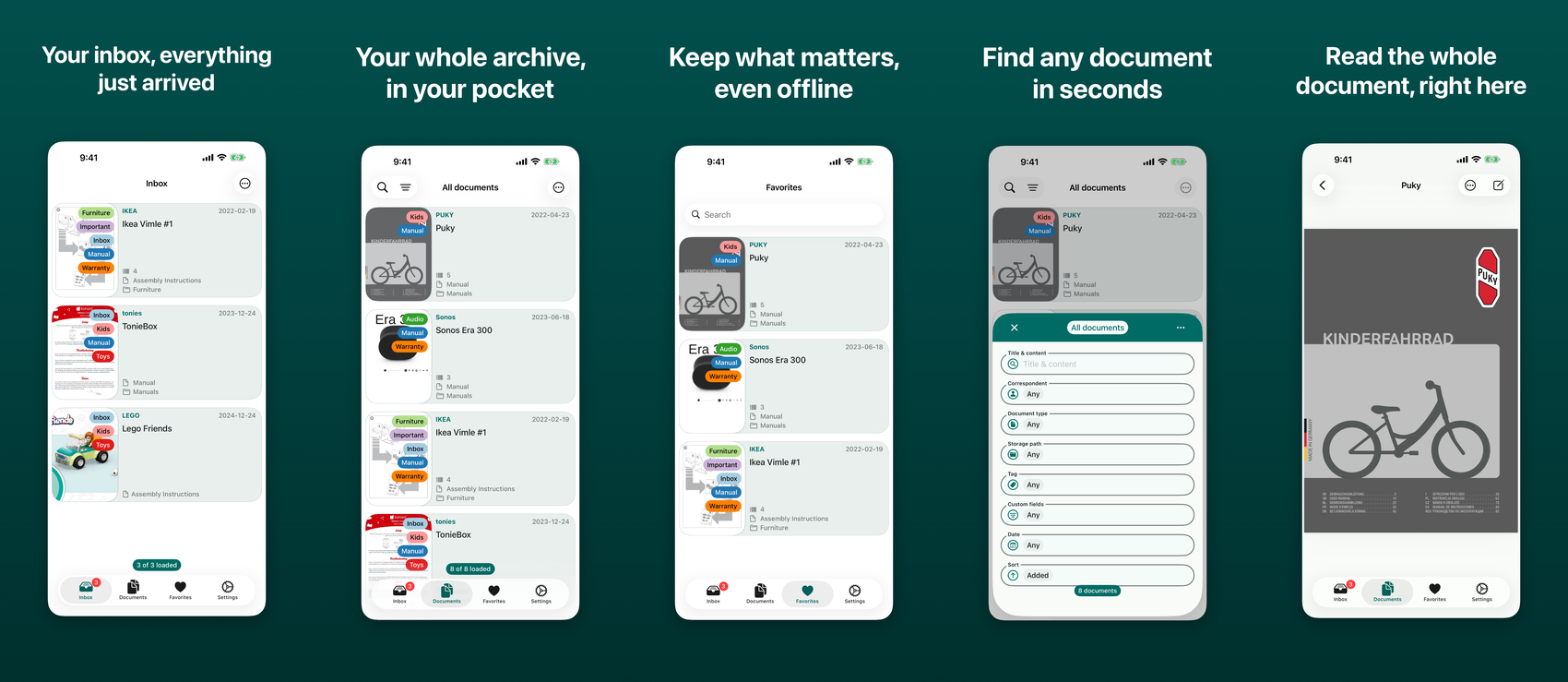
Features
- Multiple serversConnect to as many paperless-ngx instances as you like and switch between them.
- Search and filterThe full filter set from the web UI, including custom-field filters.
- Saved viewsCreate, edit and reorder them from the app.
- OfflineKeep chosen documents on the device — the PDF, its notes, metadata and custom fields — and read them with no server in reach.
- Document editingTitle, correspondent, document type, storage path, tags, notes and custom fields.
- HistorySee who changed a document and when, from the viewer, the way the web UI shows it.
- Bulk editApply changes to a whole selection at once, including bulk delete and merge.
- ImportShare sheet extension for getting documents in from anywhere on the device.
- Password-protected PDFsUnlock on import, with passwords remembered in the keychain.
- Import outcomesA File Tasks list behind the inbox button: which imports finished, which are still running, and which failed and why.
- TrashRestore a document you deleted, or empty the trash for good.
- Permission-awareControls your account has no permission to use stay hidden, and a restricted account can still add a server.
- iPad layoutThe document opens in a second column beside the list, rather than pushing it aside.
- Single sign-onSign in with an OIDC provider your server offers, through a system browser sheet.
- Advanced authenticationClient certificates, custom HTTP headers, and reverse-proxy setups such as Authelia.
- DiagnosticsA local error log, redacted of anything that could be a credential, that you can read and share when something goes wrong.
Requirements
iOS 18.0 or later. Works with every paperless-ngx from 2.15.3 to 3.x. You need your own paperless-ngx instance — Less Paper talks to it directly.
Support
Bugs, questions and feature requests all belong in GitHub issues. That is where they are tracked and answered, and it is the quickest way to get something fixed — there is no support email.