Hold a key, get a layer
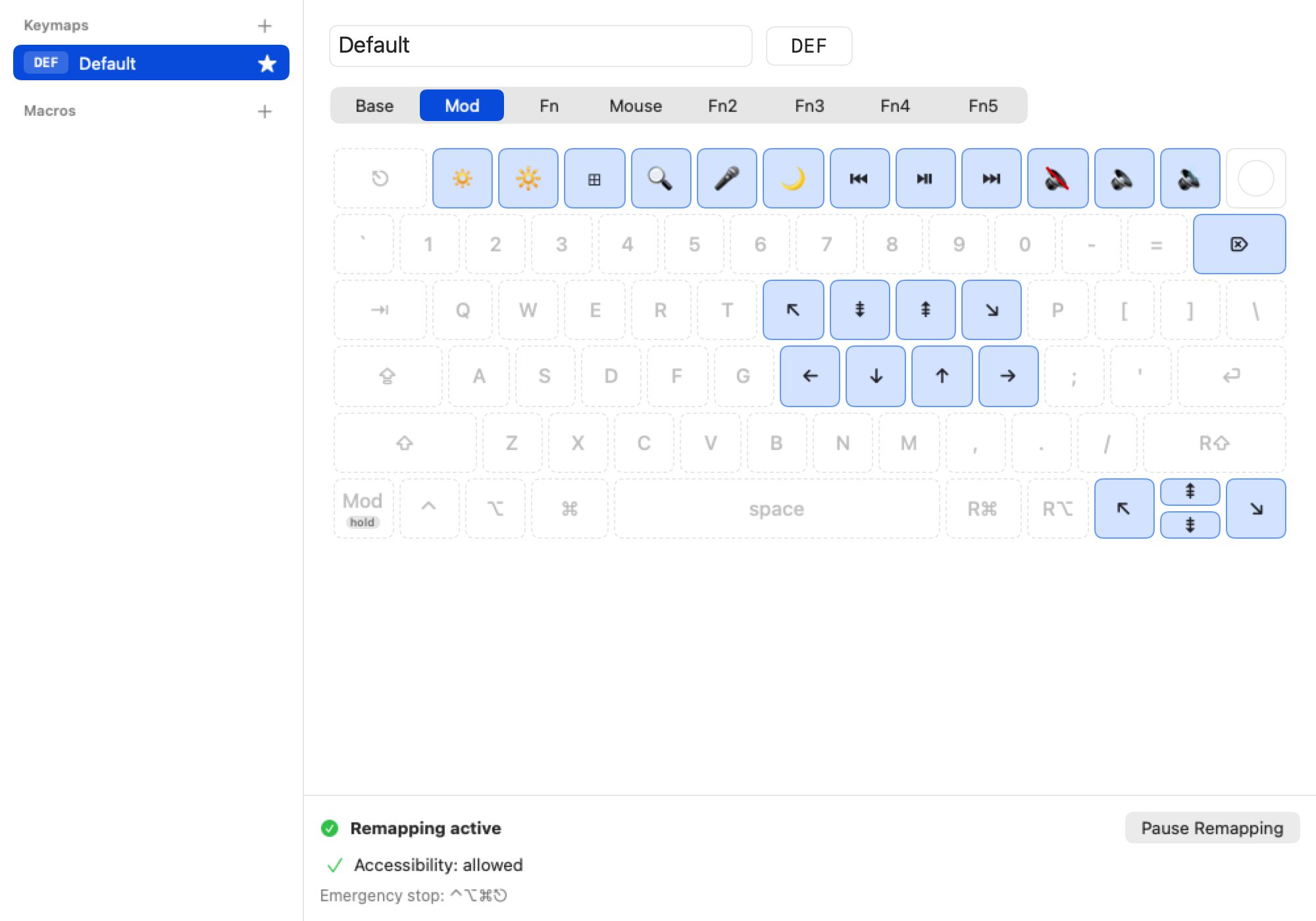
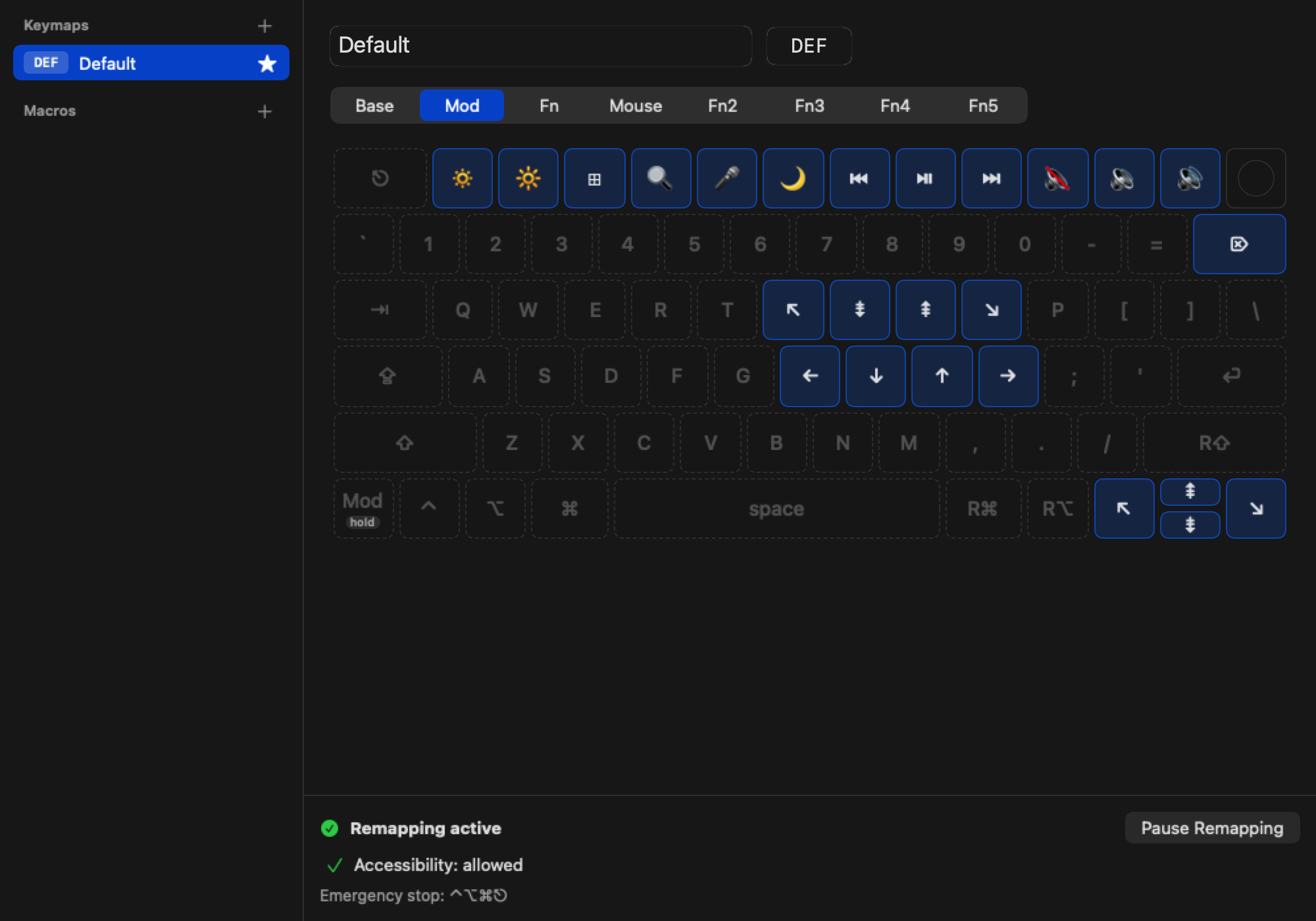
While you hold a layer key, its layer replaces the keys underneath. Keys it doesn't map fall through, so the rest of your keyboard stays as it is.
Keyboard layers for macOS
Arrows on H J K L, Home and End under your fingers, media keys where you want them. On the built-in MacBook keyboard and on every other one.
Free and open source (MIT) · macOS 26 (Tahoe) or later · Setup guide
Why KeyLayers
At my desk I type on a UHK, the Ultimate Hacking Keyboard, and I live in its layers: arrows, Home, End and Page Up under the home row, a Mod key away. On the road, with only the MacBook, all of that was gone, and I kept getting lost on a keyboard I've used for years.
So I built KeyLayers: the layers I'm used to, on the keyboard I have with me. It does one thing, layers, and stays out of the way otherwise.
Features
Layers
While you hold a layer key, its layer replaces the keys underneath. Keys it doesn't map fall through, so the rest of your keyboard stays as it is.
Click a key and pick what it does: a keypress with modifiers, a media key, a layer, another keymap or a macro. Changes apply right away.
Automation
A list of key taps, typed text and pauses that one key plays. Typed for your keyboard layout.
Double-tap timing, a short overlay when you lock a layer, the keymap and layer in the menu bar, and whether the helper starts at login.
Setup
macOS wants three approvals. The status area says which one is next and opens the right place in System Settings. The setup guide shows every step.
One click, or Left Control + Left Option + Left Command + Escape from anywhere, and every key does what it normally does.
And the small things
Emergency stop. Left Control + Left Option + Left Command + Escape pauses remapping from anywhere.
Lock a layer. Double-tap a layer key to stay on it. The menu bar and a short overlay show where you are.
Every Apple layout. The MacBook keyboard and the Magic Keyboard, in ANSI, ISO and JIS.
Several keymaps. One for coding, one for writing. Switch with a key.
Import and export. Your keymaps are one file. Take them to your next Mac.
Updates itself. Signed, notarized updates. Your setup and permissions stay.
Privacy
To remap your keys, KeyLayers reads them, which is why macOS asks for Input Monitoring. Each key is remapped the moment you press it. Nothing is logged, stored or sent anywhere.
The only connection KeyLayers makes is the update check against its releases on GitHub. No accounts, no analytics, no telemetry. The source is on GitHub, MIT licensed.