
Install
KeyLayers needs macOS 26 (Tahoe) or later.
- Download KeyLayers.zip from the latest release. Safari unzips it for you; otherwise double-click the zip.
- Move KeyLayers into your Applications folder. It has to be there: one of the setup steps points System Settings at a file inside the app, at
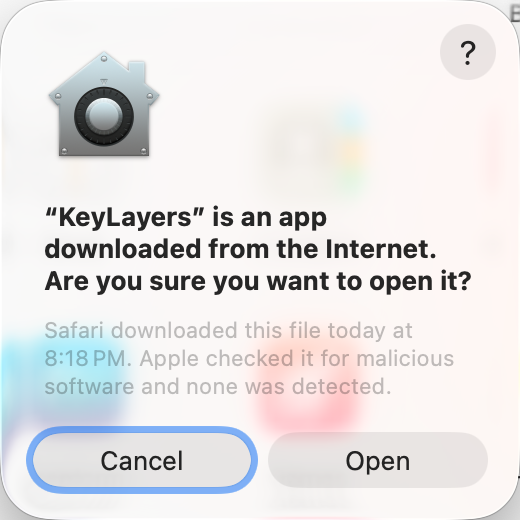
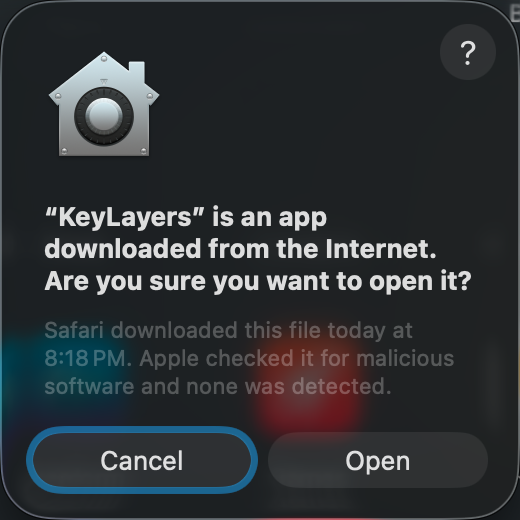
/Applications/KeyLayers.app. - Open KeyLayers. Because it comes from the internet, macOS asks first. Click Open.
KeyLayers opens its window. It can't remap anything yet: macOS needs three approvals first. Set it up →