Macros
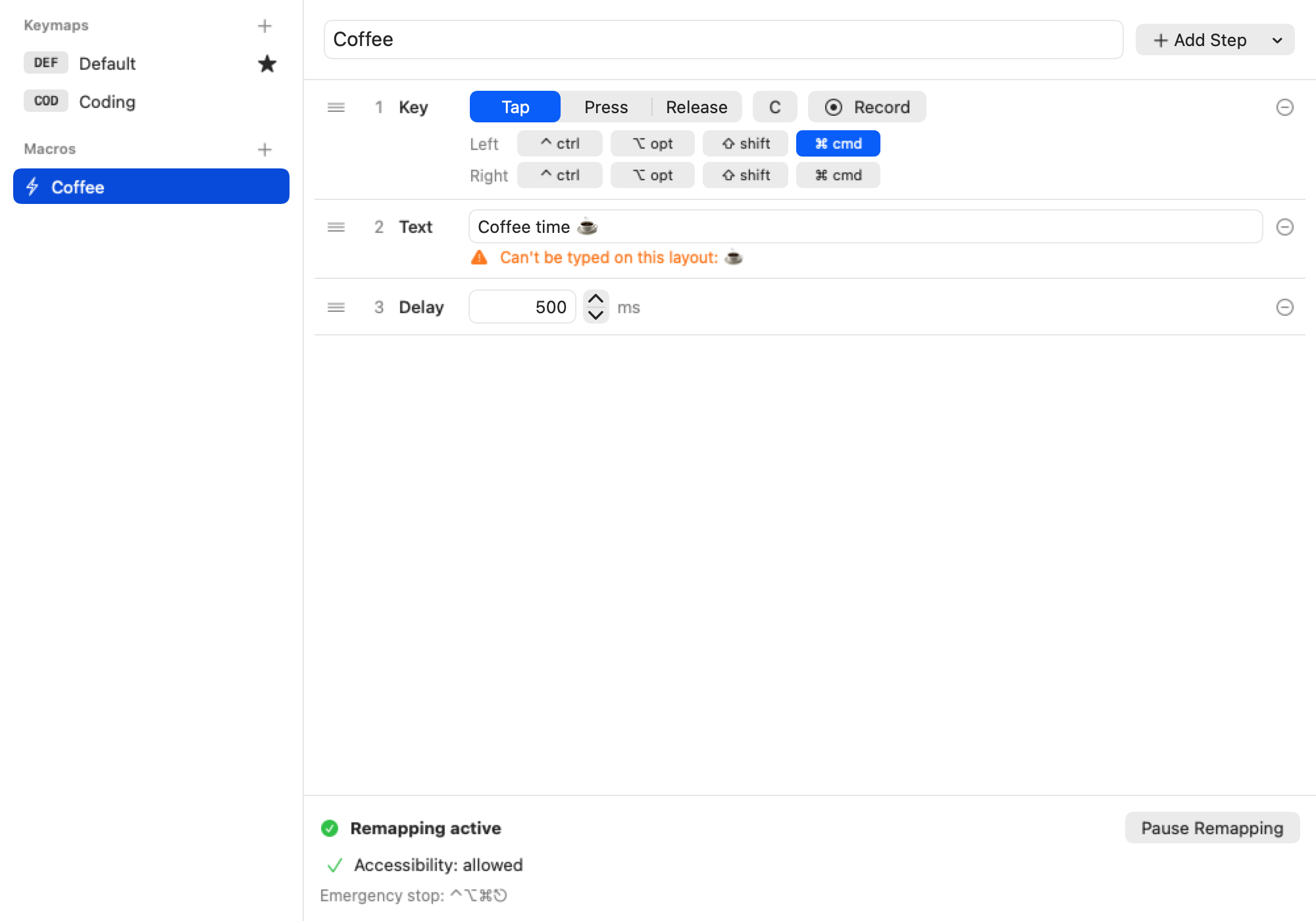
A macro is a list of steps that one key plays:
- Key: tap, press or release a key, with modifiers.
- Text: type a string.
- Delay: wait some milliseconds.
Create macros in the sidebar, under the keymaps. Bind a macro to a key with the Macro tab of the key editor.
Typing text
Text is typed for the current input source (your keyboard layout). Some limits:
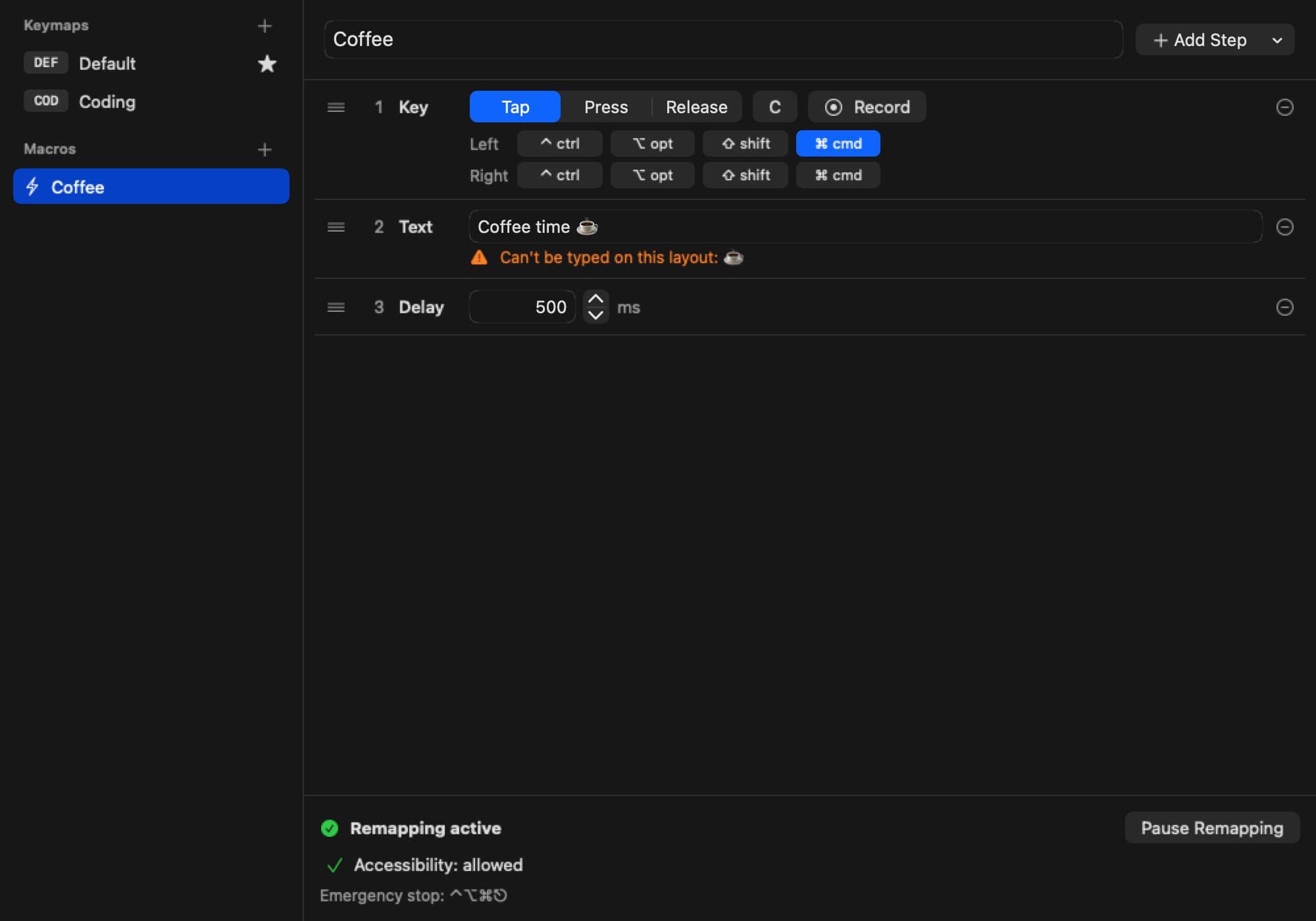
- Characters that aren't on the layout (emoji, symbols, other scripts) are skipped.
- An active input method composes the text instead of inserting it.
- Modifiers you hold and keys you type while a macro plays mix in.
- Caps Lock is turned off for the text and restored afterwards.